
Flow
An automation editor whose graph genuinely executes.
A concept project: a visual workshop where you drop blocks, wire them with the mouse, and watch execution travel through the graph step by step. Change a condition's threshold, run again: the other branch executes. Everything runs in the browser, with no account and no server.
The problem this demonstration tackles
Workflow editors make beautiful screenshots. Boxes, curves, colours — and, most of the time, an animation. You press “Run”, something blinks in the expected order, and nothing was decided: the path was written in advance.
Flow takes the problem from the other end. The graph doesn't illustrate execution, it determines it. An engine walks the links actually drawn, passes data from one block to the next, evaluates conditions and takes only one branch. Remove a link and what follows no longer runs. Add one and it does.
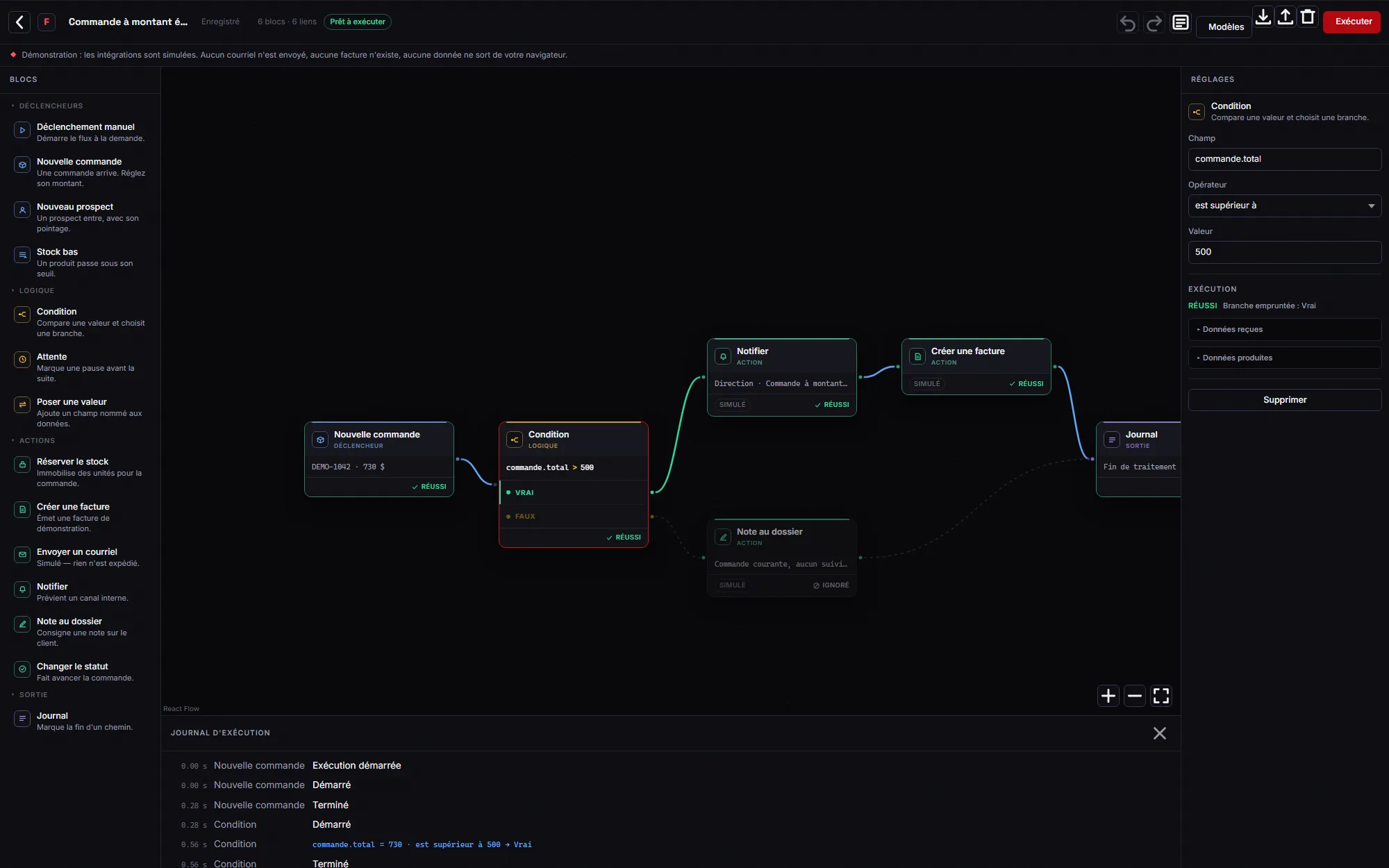
The test that settles it takes ten seconds: load “High-value order”, run it, the TRUE branch lights up and the other is marked skipped. Change the total from 730 to 120, run again: everything switches to the other side, in the graph as in the log.
What a logic editor must never become
An editor where the user writes conditions is an open door if it evaluates them naively. `eval("total > 500")` would turn this page into a way to run arbitrary code — precisely what such a tool must never become.
So there is no `eval` anywhere, no `new Function`, and no import that depends on user input. Comparisons go through a closed list of seven operators, evaluated by our own code. The block catalogue is closed too: an imported file can only name a type we wrote, otherwise it is refused with the exact reason.
An imported file is treated as hostile: schema validated field by field, orphan links rejected, block count, link count and text lengths capped. And execution state is never saved — a file describes a graph, never an “in progress” status that reopening would replay as real.
What the screen must say without reading the code
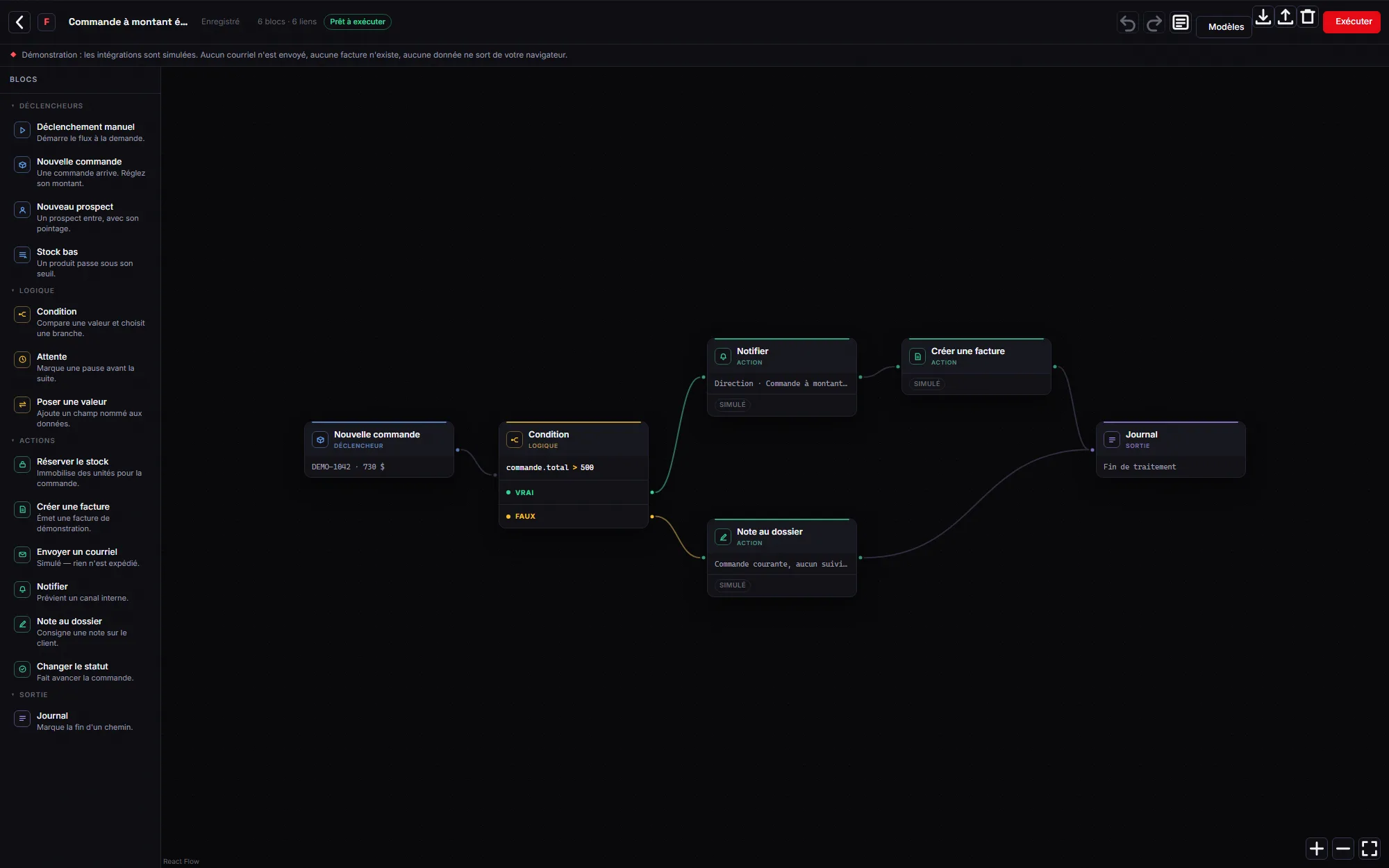
A correct engine is worthless if the screen doesn't show it. So the condition has its own anatomy: its formula written in plain sight, then two named rows, TRUE and FALSE, each carrying its own connector. Two anonymous stacked connectors force you to guess which is which — and you get it wrong half the time.
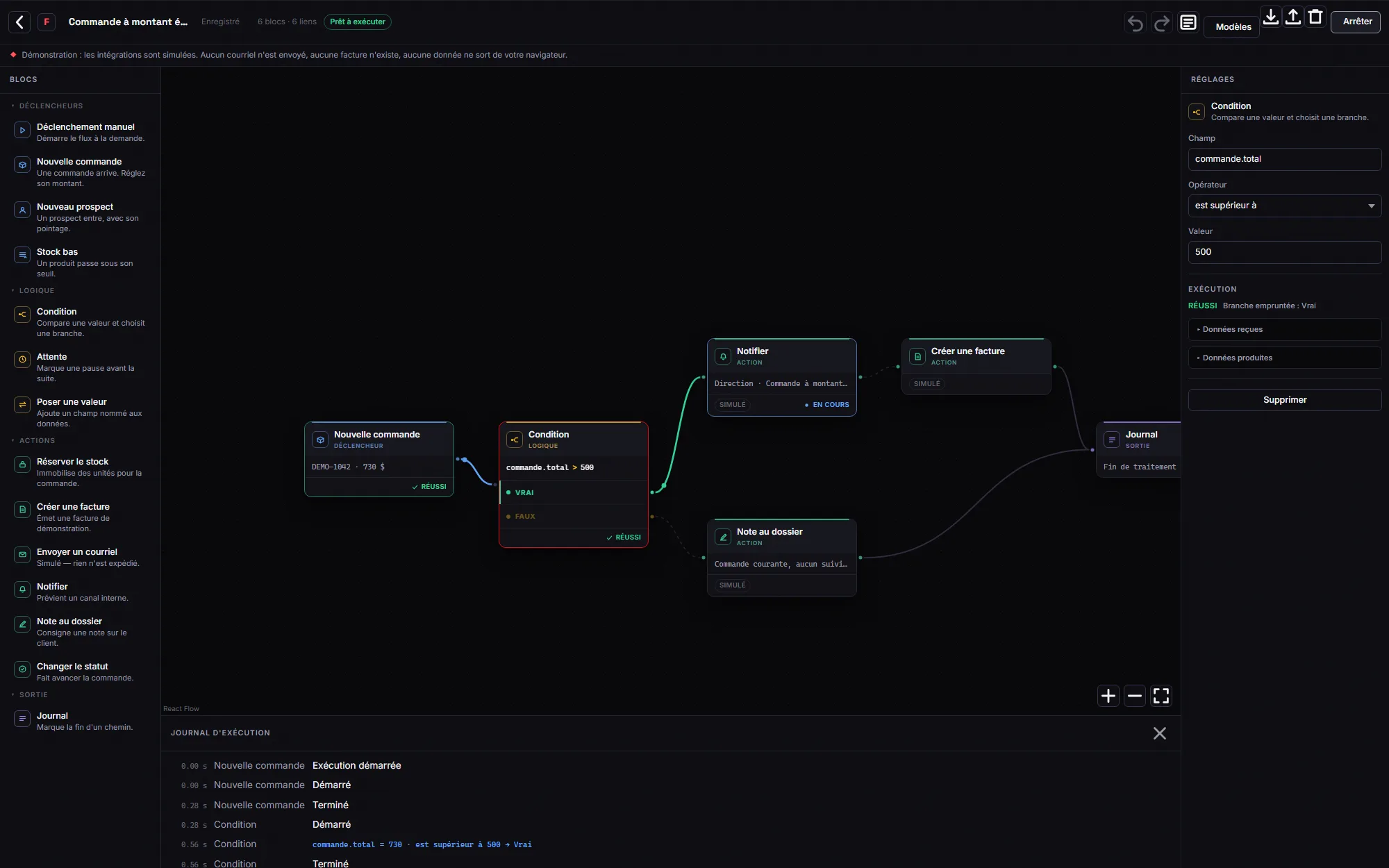
Every state carries three marks: a word, an icon and a change of surface. Colour alone would exclude readers who can't tell them apart, and would vanish in print. During a run, a dot travels along the link actually taken; at rest it doesn't exist in the DOM, and nothing moves in a forgotten tab. Anyone asking for less motion never sees it, and still understands everything: states spelled out, chosen branch marked, skipped branch dashed.
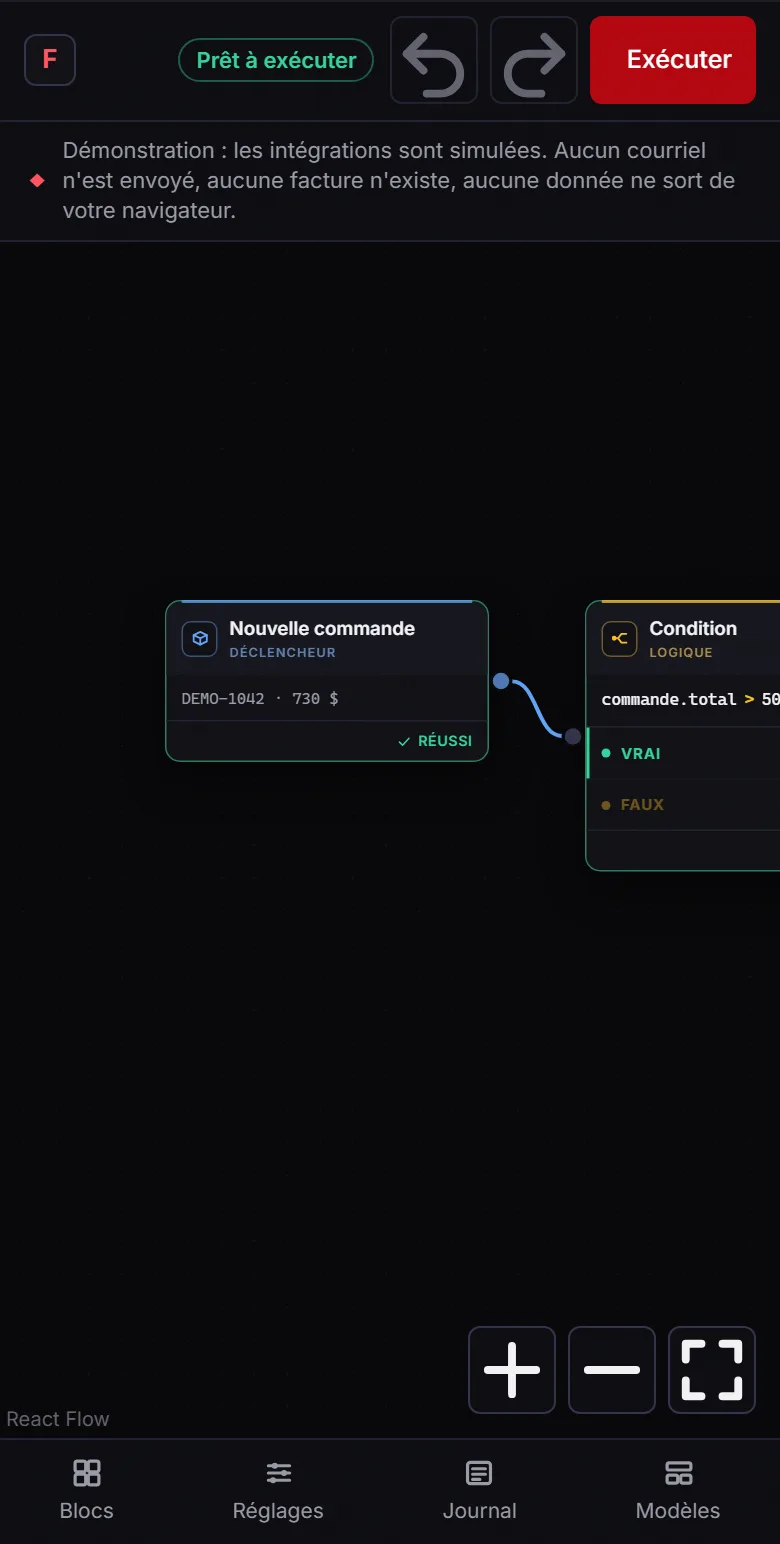
The log timestamps what actually happened — “order.total = 730 · is greater than 500 → True” comes from the comparison that ran, not from a script. The inspector shows the JSON data received and produced by the selected block. On a phone the canvas stays a canvas you pan, and the panels become sheets: it is not a shrunken desktop screen.
Screenshots
What's inside
- Graph editable with the mouse: drop a block, wire two connectors, delete a link
- Deterministic execution engine that walks the links actually drawn
- Branching conditions: only one is taken, the other is marked skipped
- Validation that separates what blocks execution from what deserves a warning, and refuses cycles as the link is created
- Timestamped log recording the comparison that actually ran, and an inspector showing data received and produced
- Fifty levels of undo/redo, where a whole drag counts as a single step
- JSON import/export with a closed schema: an unknown block type is refused with its reason
- No code evaluation: seven closed operators, fourteen closed block types, every action simulated
- Bilingual, browser-local persistence, no data sent anywhere